Run interviews
Once you go live, Juno finds the right people and interviews them for you — by text or by voice, in whatever language you choose. Here's what that looks like while it's happening.
What happens when you go live
The moment you launch, Juno starts reaching out to people who match your screeners and inviting them to take part. As they accept, interviews begin — often within minutes. You don't have to schedule anything or be online; Juno handles each conversation on its own.
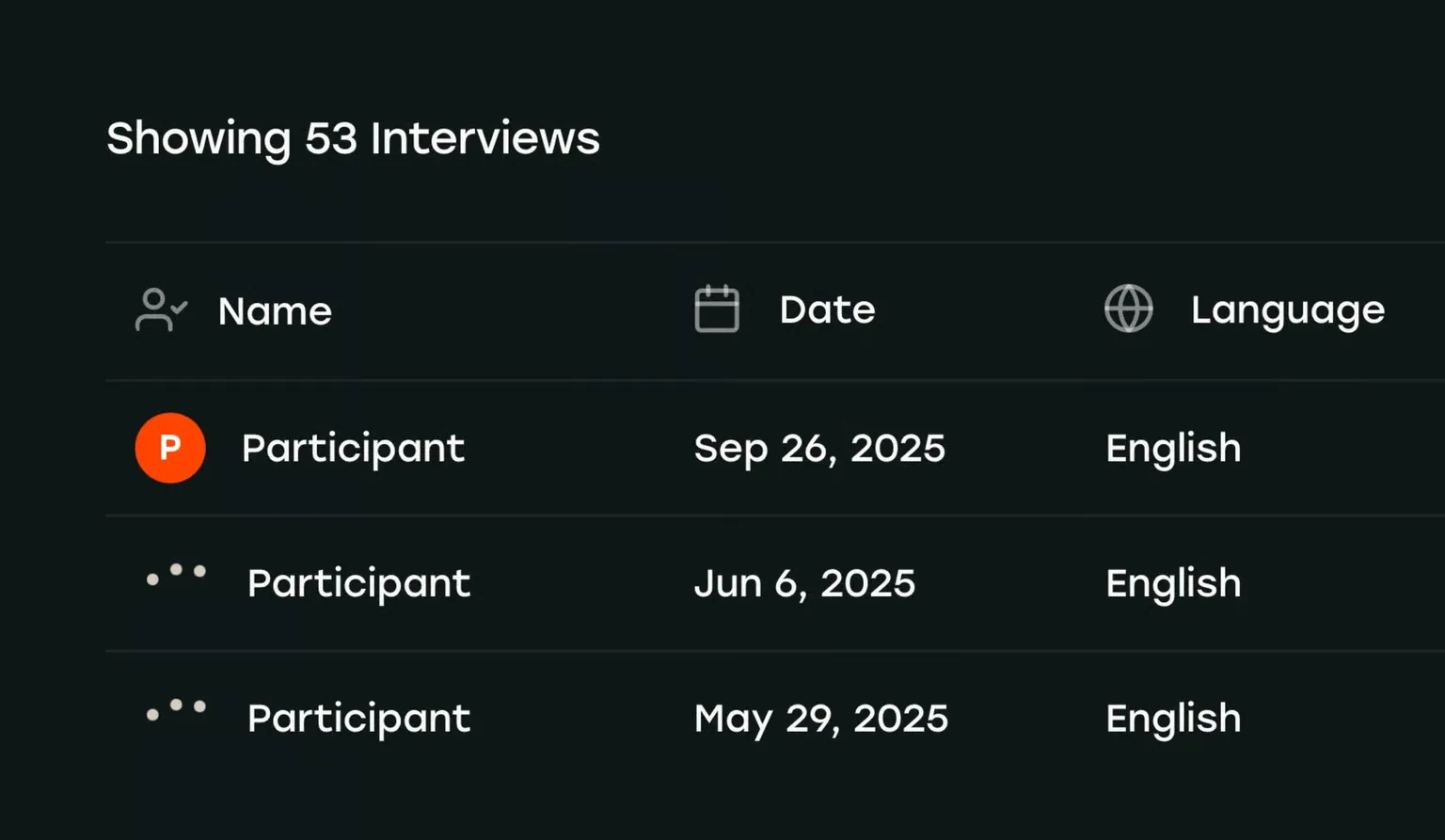
You can watch it all unfold from your dashboard: who's been invited, who's mid-interview, and what they're saying as the answers land.
Text or voice?
Every study runs as either a text or a voice interview. Both ask the same questions — they just differ in how people answer and how rich the answers tend to be.
Text interviews
People type their answers in a chat, whenever it suits them. It's the easiest way to start and works well for almost anyone, anywhere.
- People can answer anytime, even across several sittings.
- Lowest-friction option — no microphone, no scheduling.
- Great when you’re reaching a wide or busy audience.
Voice interviews
Juno actually talks with people, hears how they say things, and asks follow-ups in the moment. It takes a little more from participants but gives you the richest answers.
- Real, in-the-moment depth you rarely get from typing.
- Natural follow-up questions that chase the interesting thread.
- Every conversation is written up for you automatically.
What people experience
From a participant's side, an interview is short and friendly. Here's the whole arc:
- 1 An invite.They get a link, branded with your logo and a short note explaining what it’s about.
- 2 A quick check.A few screener questions confirm they’re a fit. If not, they’re thanked right away.
- 3 The conversation.Juno asks your verbatim questions and follows up naturally, by text or voice.
- 4 A thank-you.They wrap up and, if you’re paying participants, see how they’ll be paid.
What it costs
Juno shows the cost before you launch, so there are no surprises. Two things drive the price:
- How many people —You set a target number of completed interviews.
- How they answer —Voice interviews cost a little more than text, because they take longer and capture more.
If you’re paying participants for their time, that's shown separately and tracked for you, so you always know who's been paid.